All involve.me features to capture, qualify, manage and follow up with leads

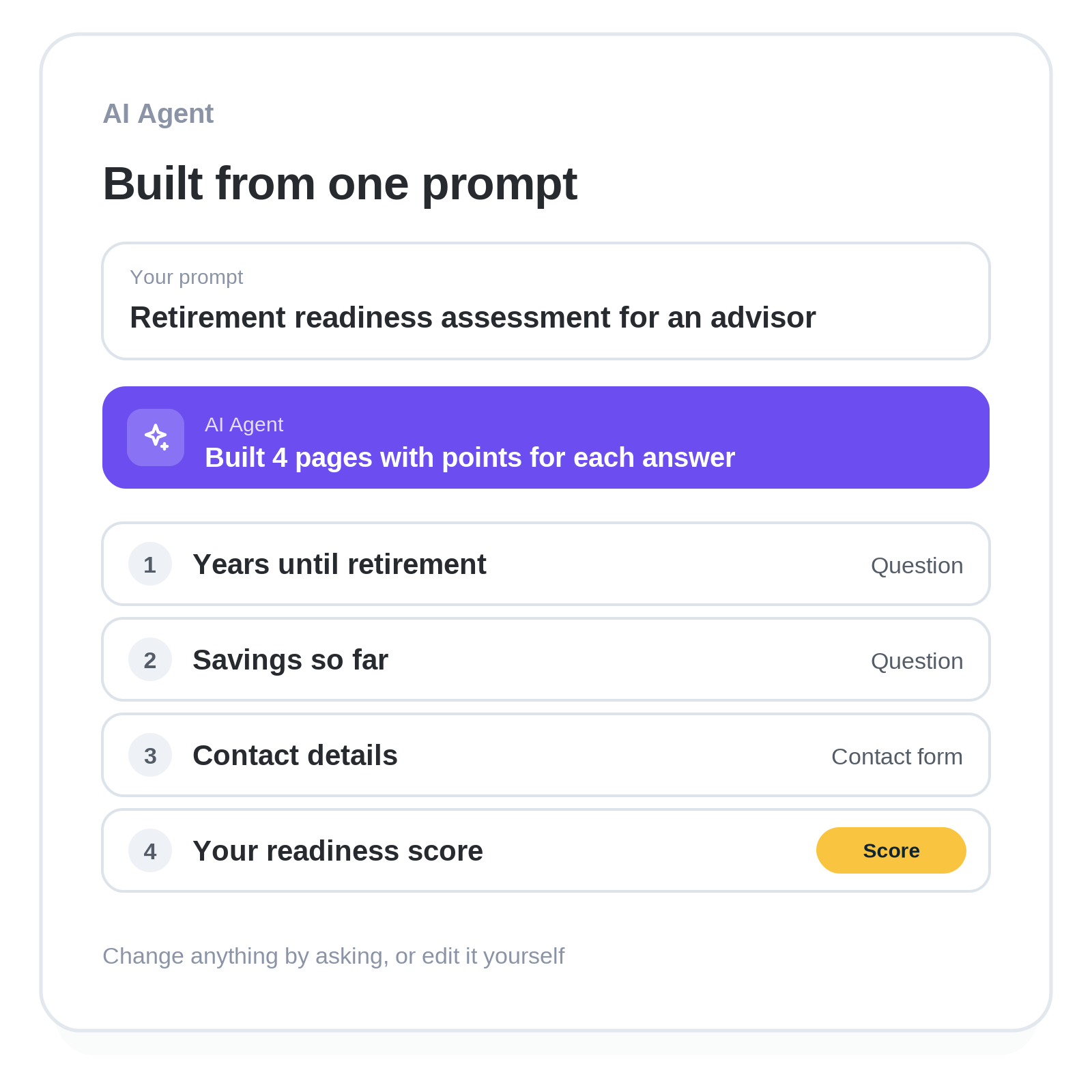
Quote calculator with an instant estimate and, in front, the new lead with a lead score of 82 and the result page it reached.

Lead capture and qualification that scores every lead

Build a quote calculator or an assessment that asks what a good salesperson would ask, before you pick up the phone. Give each answer points and involve.me adds them up to a lead score, so you know who to call first.

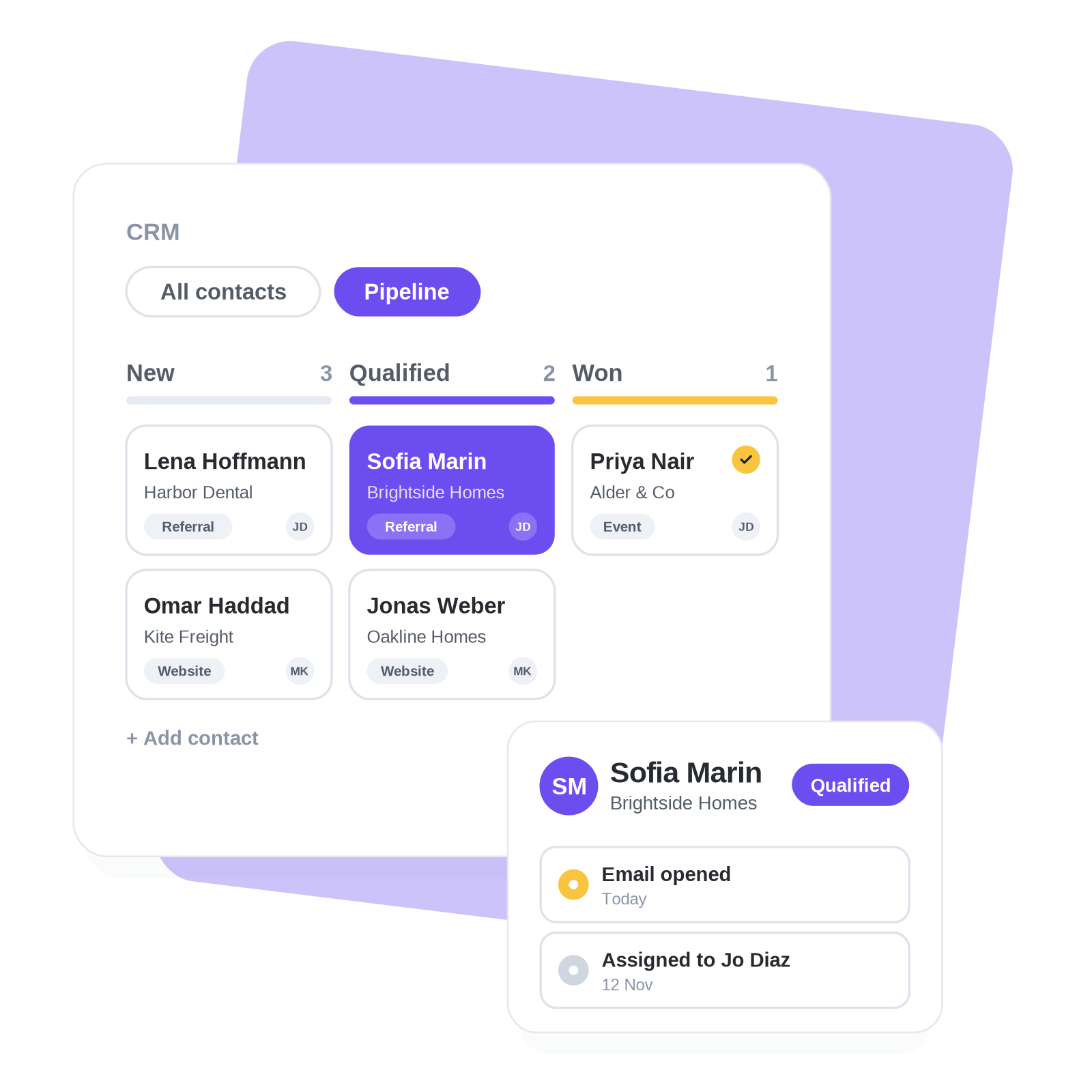
Pipeline board in the involve.me free CRM with a contact record in front, showing its status and recent activity.

Free CRM for every contact and every lead

Every contact sits in one place with its answers, score, tags and history. Import the list you already have, add people by hand or let your funnels fill it. No contact limits.

Pipeline board

See your stages as columns and drag a contact to the next one. Build more boards from any select property, and add a contact straight into a column.

Contact records

One card per person with the answers you map, the score, custom properties and tags, plus a timeline of every submission, payment, email and change.

Owners and comments

Give each lead an owner on your team and leave comments with @mentions. Owners get an email when a lead is assigned to them, changes stage or gets a comment.

Segments

Save a filter as a segment and it keeps itself current: by answers, tags, owner, any property, or who opened and clicked your emails.

Import and bulk edits

Upload a CSV and map each column, or paste up to 1,000 email addresses. Change the tag, stage, owner or any property of many contacts at once.

No contact limits

Keep every contact you import or capture, with no cap on the list. The CRM is free on every plan.
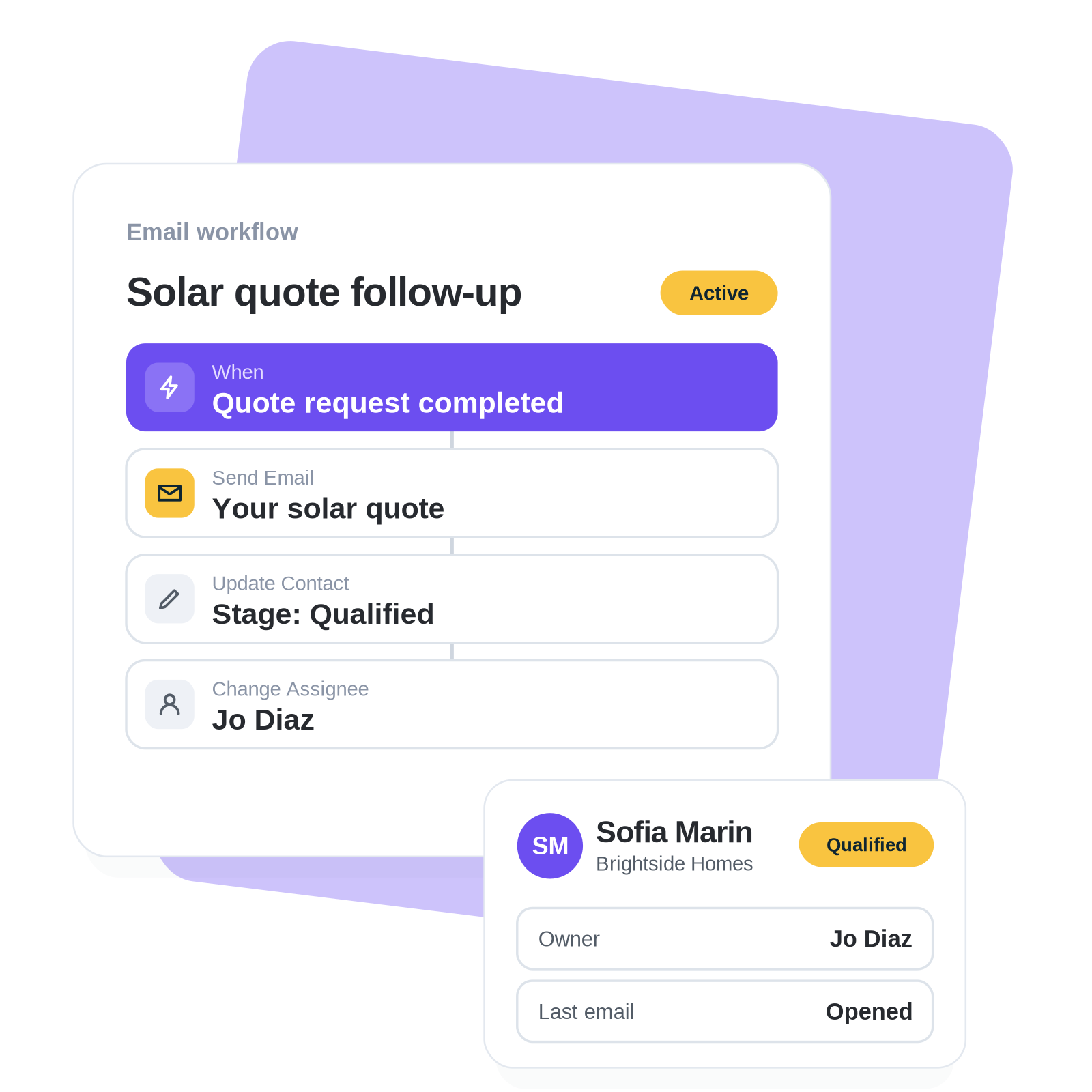
Email workflow that sends an email, sets the pipeline stage and assigns an owner, with the updated contact in front.

Email and workflow automation that follows up on every lead

A new lead shouldn't wait until you find the time. Email workflows follow up the moment it comes in, based on what the lead answered, and keep your CRM up to date while they run.

Workflow triggers

Start a workflow when a lead submits a funnel or pays, when a contact is created or imported, when it enters or leaves a segment, or on a schedule.

Personalized emails

Put the lead's name, answers, score or estimate in the subject and the body. Each email shows on the canvas how many were sent, opened and clicked.

Branches and A/B tests

Send each lead down its own path by answer, score, tag or segment, or by whether it opened or clicked. An A/B test splits contacts between two paths.

Keep the CRM up to date

Update any contact property, move the lead to the next pipeline stage, and add or remove tags. Every change lands on the contact's timeline.

Owners and team alerts

Assign an owner by rule, for example by lead score, and email up to 5 people on your team when a lead qualifies.

Your own sender

Send from your own address through your own mail server. Pick the sender, the sender name and the reply-to address for each email.

Enterprise-grade security for teams of any size

SOC 2 Type II audited, GDPR-compliant, and built to scale. Manage permissions, organize work in dedicated workspaces, and meet the security standards your industry requires.

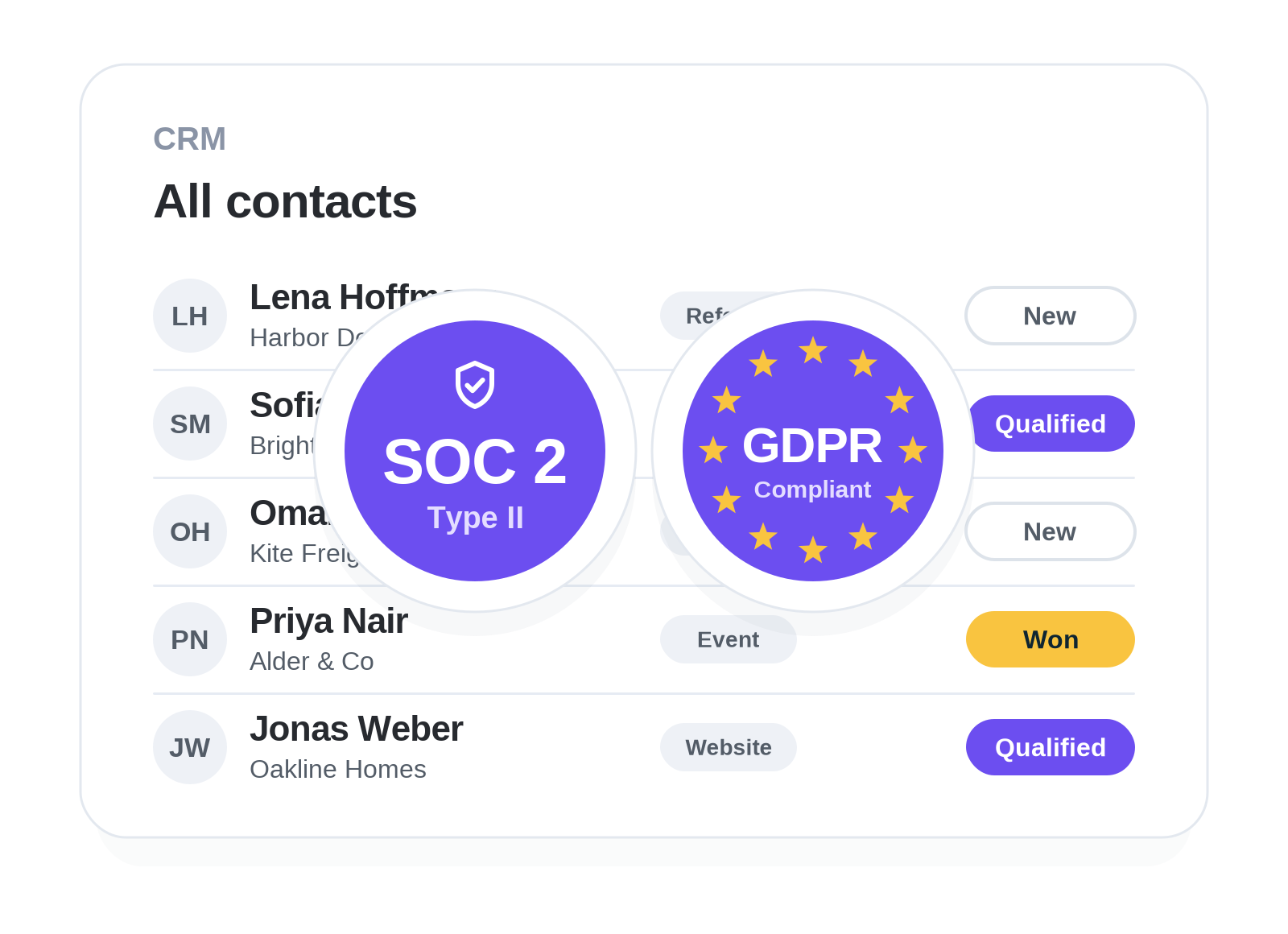
Blurred contact list in the involve.me CRM with two badges in front: SOC 2 Type II and GDPR-compliant.

Security & compliance

SOC 2 Type II audited and GDPR-compliant, hosted on AWS in Frankfurt. Encryption, secure data storage, regular security audits, custom data retention, and SSO/SAML2 for enterprise.

Workspaces & organization

Create dedicated workspaces for different teams, departments, or clients. Keep funnels organized and separate, ensuring each team has its own space to collaborate.

Team management & permissions

Assign roles and permissions across your organization to control who can view, edit, or publish funnels. Organize users efficiently and maintain control as your team scales.

involve.me features FAQ